


This page explains which records help distinguish an imaging, handling, environmental or reporting problem. Model-specific instructions govern the work itself. Use the product document library to check the relevant file and version, and retain the original observations alongside any action already taken.
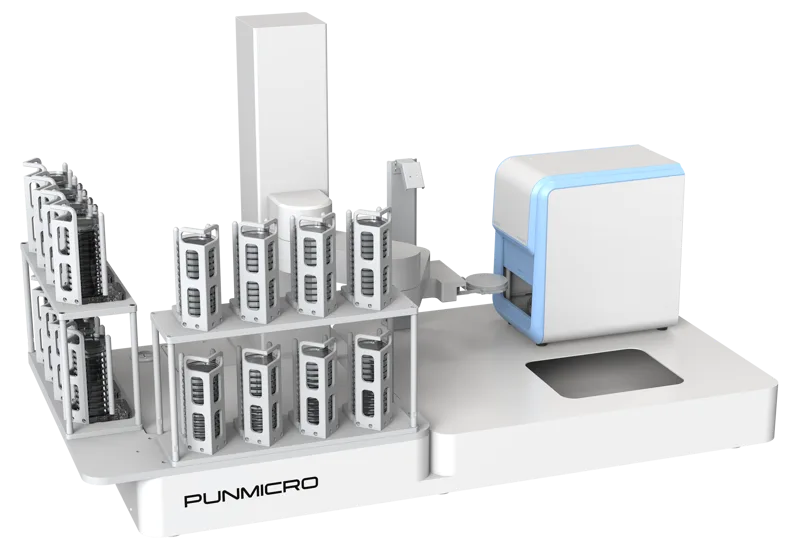
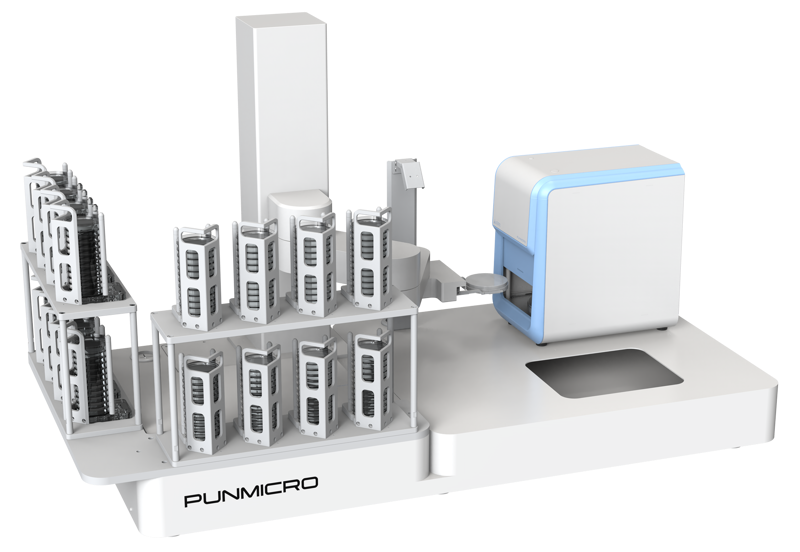
pun-IPICK: separate maintenance from performance review
Before maintenance, check the controlled instructions for the actual configuration. Do not infer fluid paths, pneumatic lines, disposable-tip mechanisms or hollow picking structures from a general article about colony pickers. Those assumptions could lead to an inappropriate cleaning, lubrication or adjustment procedure.
For routine checks, follow the approved checklist for the workspace, consumables, visible cables and image condition. Record visible residue, obstruction or alerts. At the end of a batch, preserve task status, consumable information and exceptions. Use only the materials and cleaning methods permitted for the relevant surfaces, optical components and moving mechanisms.
Performance review should distinguish image recognition, coordinate mapping, physical transfer and subsequent growth. Keep source and destination plate records, reference images, the review rules, completed and failed attempts, position mismatches, blank-control observations and repeat-check results. When an abnormality is observed, pause the affected task in accordance with the applicable procedure and retain the images and logs for trained personnel to assess. Recovery criteria should come from the approved method and applicable verification records.
For filamentous or adhesive samples, provide morphology images, medium condition, the actual picking consumable and a description of the failure. Establish the component design before discussing flushing, air clearing or pressure changes. Sample suitability and the existence of those functions should be verified separately.
ICON and ICONSTATION: locate the stage where results diverge
For an imaging or counting issue, preserve the original image, marked image, sample identifier, analysis settings and software version. Compare the automatic and reviewed results for the same sample. Determine whether the difference arises during image capture, recognition, manual correction, calculation or export; a different total alone does not establish an optical or mechanical fault.
Before cleaning a window, optical component or work area, check the permitted materials, method and power-isolation conditions in the applicable manual. Photograph scratches, contamination, loose parts or mechanical obstruction and record the circumstances. Disassembly, lubrication and calibration changes require the relevant authorization and procedure.
| Information area | Useful records |
|---|---|
| Instrument and software | Model, version, configuration and enabled functions |
| Sample and images | Plate specifications, original and marked images, background and difficult targets |
| Result difference | Initial automatic count, reviewed count, reasons for changes and calculation inputs |
| Workstation event | Batch, sample position, identifier-reading result, task state and interruption point |
| Actions already taken | Actual steps, operator and observed outcome |
Counting-performance review, geometric measurement calibration and routine cleaning are different tasks. Their materials, procedures, intervals and acceptance conditions must match the instrument function and laboratory method. A clear image or a cleared alert does not, by itself, establish acceptable performance.
For ICONSTATION, also preserve the batch and plate-handling records. Establish where an interrupted task would resume and which samples still need review. Keep those states visible when the batch is handed to another operator.

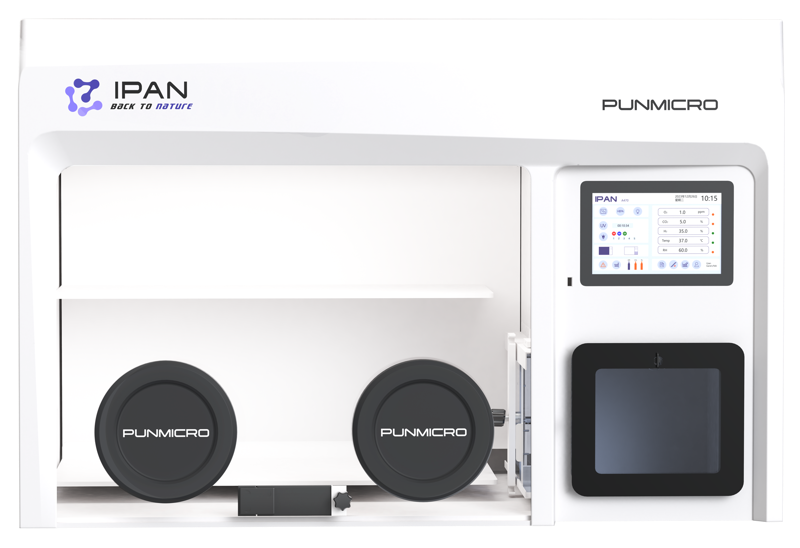
IPAN: record the operating context before assigning a cause
An increased oxygen reading, changed gas consumption or unexpected culture result may involve several parts of a workflow. Start with the model, configuration, manual version and activity taking place when the issue occurred. A single observation is not enough to identify a failed consumable or justify changing gas settings.
Follow the model's manual when checking visible gloves, access ports, door seals and external tubing. Record cracks, aging, looseness, contamination or unusual sounds as observations. A normal appearance is not a passed leak test.
Check material compatibility separately for the enclosure, window, seals, gloves and sensing components. Distinguish cleaning, disinfection and validated decontamination in the record. Catalyst materials, filters and other consumables require their own model documentation, service conditions and inspection results; there is no universal replacement or regeneration interval to infer from a general guide.
Work involving disassembly, leak testing, calibration, gas systems or control-program changes should be performed by authorized personnel using the applicable procedure.
Match the IPAN symptom to the supporting evidence
| Observed issue | Evidence to retain | Questions for technical assessment |
|---|---|---|
| Oxygen or other environmental reading changes | Event time, trends, alarm text and concurrent transfers or operations | Sensor state, operating events, gas supply and sealing conditions |
| Damaged glove or sealing component | Location photographs, model or part number and discovery time | Compatible replacement, affected operating scope and verification afterward |
| Increased gas consumption | Comparable usage periods, workload and transfer frequency | Change in operating conditions, baseline consumption and possible leakage |
| Cleaning or decontamination requirement | Materials, intended use, agents already applied and treatment history | Compatibility, approved procedure and verification of the treatment |
| Alarm or extended-operation question | Actual alarm, recording method, staffing and contingency arrangements | Available instrument functions, responsible person and response procedure |
This information helps separate possible causes. It does not authorize a particular adjustment or prove that a component has failed. Keep device observations and sample observations in the same timeline, with each identified as its own type of evidence.
Confirm recovery after maintenance
Record the replaced parts, person performing the work, date, procedure and result. Depending on the change and the experimental requirements, the responsible team may need to review environmental stability, sealing or relevant sensors before returning the instrument to service.
Equipment recovery and sample usability are separate decisions. The experiment lead determines the status of affected samples using the available records. An alert disappearing is not sufficient evidence for either decision.
For a power interruption, gas-related issue, damage or contamination, follow the laboratory's contingency arrangements and the current equipment manual. Preserve the affected sample list and event timeline. Use authorized procedures for catalyst treatment, sealing work and control changes; do not construct these operations from general descriptions.
Remote access, unattended-operation arrangements and service scope should be established for the actual configuration. They should not be assumed from the presence of a display, network connection or alarm.
Prepare a support request that can be reviewed
| Information | What to provide |
|---|---|
| Equipment identity | Product family, exact model, serial number and software or firmware version |
| Conditions when the issue occurs | Sample, medium or consumable, batch, operating stage and frequency |
| Reviewable evidence | Original images, logs, alert screenshots, settings and actions already taken |
| Requested help | Applicable procedure, recovery criteria or whether an authorized engineer is needed |
Keep original files available and describe the sequence of events in order. Include the manual version and necessary photographs, with the actual outcome of any action already taken. If the model, version or applicable document is unclear, identify that gap when you contact PUNMICRO.
The shared document library provides the route for checking document type, version and model applicability. Product information is available for ICON, ICONSTATION, IPAN and pun-IPICK.
Frequently asked questions
What should I send with a technical support request?
Include the exact model and version, the sequence and timing of the issue, sample or consumable information, original images or logs, alarm text and the actions already taken.
Does a cleared alarm mean the instrument and samples can be used again?
No. Equipment recovery must satisfy the applicable procedure and verification requirements. The experiment lead separately assesses the status of affected samples.
Can a general maintenance article replace the instrument manual?
No. Parts, materials, procedures and permissions vary by model and configuration. General guidance helps organize the records; the applicable controlled documentation governs the work.